
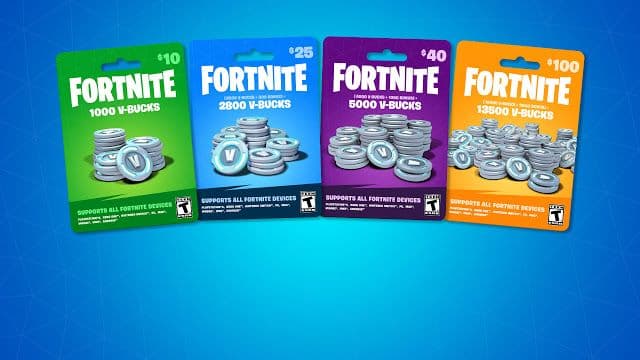
If you play Fortnite, you already know that V-Bucks are the main in-game currency used to purchase skins, emotes, and Battle Passes.
👉 Looking to top up your V-Bucks instantly? Check out our latest deals on Fortnite gift cards available now on Nexuscod.
What Are V-Bucks?
V-Bucks are the official currency in Fortnite, allowing players to unlock premium content and enhance their gaming experience.
You can buy V-Bucks using gift cards or direct payment methods, then redeem them to your account.
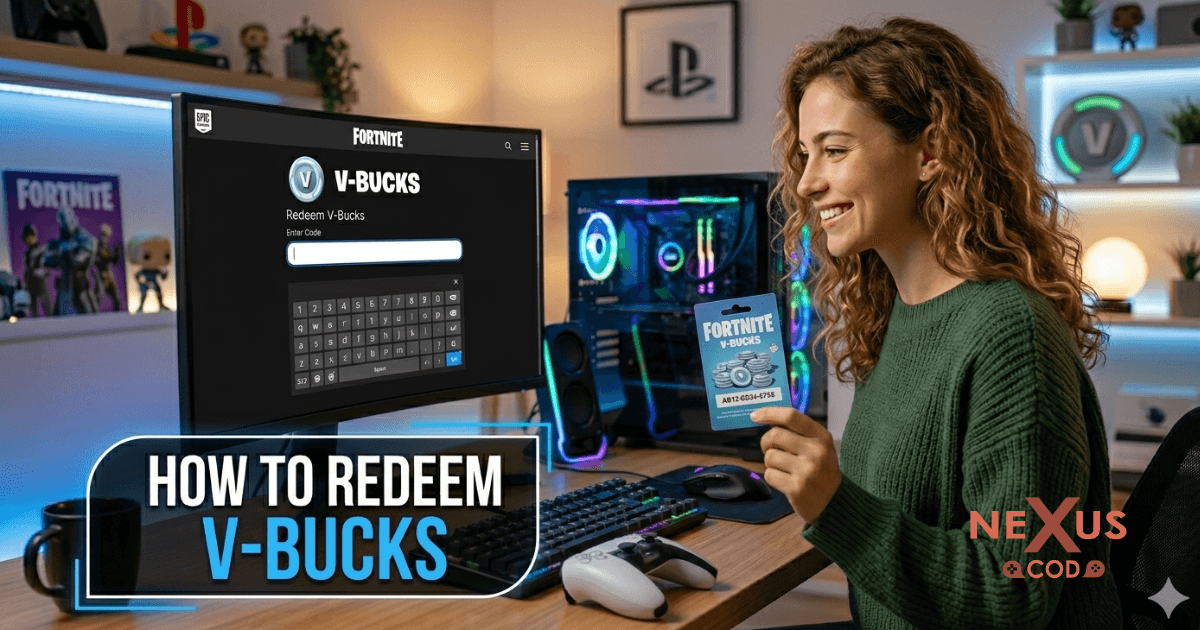
How to Redeem V-Bucks ?
In order to redeem your V-Bucks card, please follow the steps below. Please keep the receipt for the V-Bucks card purchase in case you run into any issues, as the receipt might be required for us to assist you.
Go to the Epic Games official website
Log in to your account.
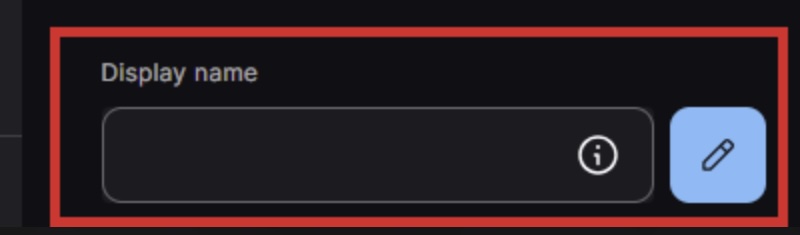
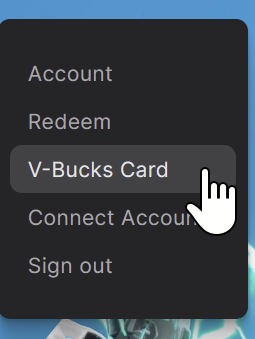
Hover over your Display name icon in the top right corner, and then click V-Bucks Card. Alternatively, you can go directly to this link: https://www.fortnite.com/vbuckscard
Press Get Started to start the redemption process.
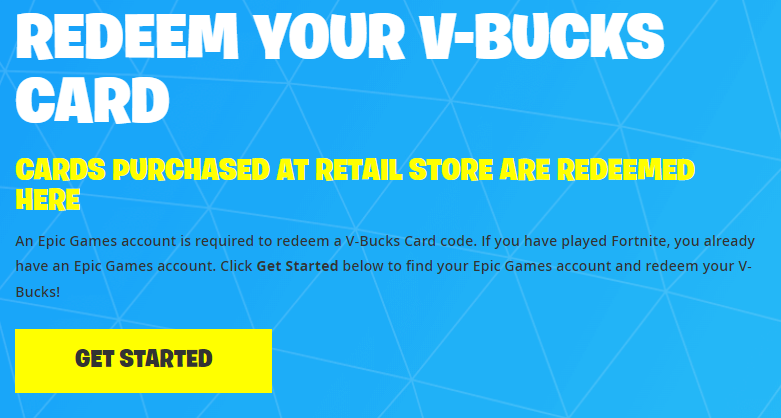
Gently scratch the back of your V-Bucks card to reveal the code without damaging it, then enter your PIN without any dashes.
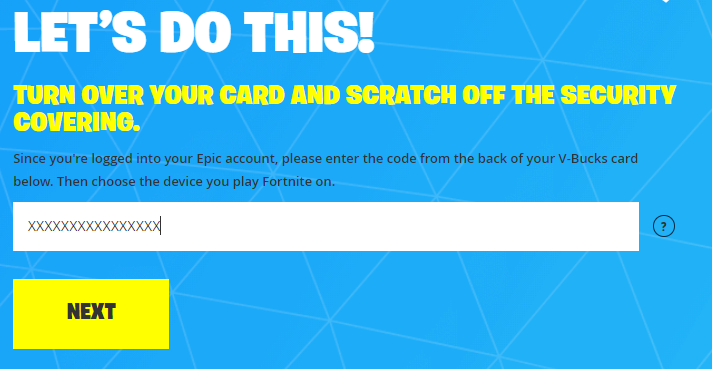
Click Next.
Choose the platform where you’d like to redeem your V-Bucks card, then click Next.
Note: If your preferred platform isn’t listed, check the Epic Games account you’re currently logged into, as only the linked devices for that account will be shown.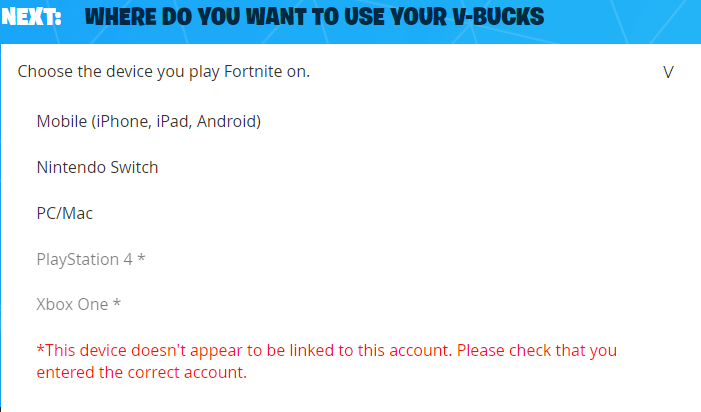
Check the details carefully to ensure your Epic Games account, selected device, and updated balance are correct, then click Confirm.
If you redeemed the V-Bucks on PC, Switch, or mobile, you can open Fortnite and start using them right away.
If you redeemed them on Xbox or PlayStation, a secondary code will be generated, which you’ll need to enter into your Microsoft or Sony account to complete the process.
💡 You can get your V-Bucks code instantly from our Fortnite gift card collection on Nexuscod and redeem it within seconds.
How to Redeem V-Bucks on XBOX and PlayStation
After clicking Confirm, a 12- or 25-character code will be generated. You’ll need to enter this code on the selected third-party website (Sony or Microsoft). The code will also be sent to your email.
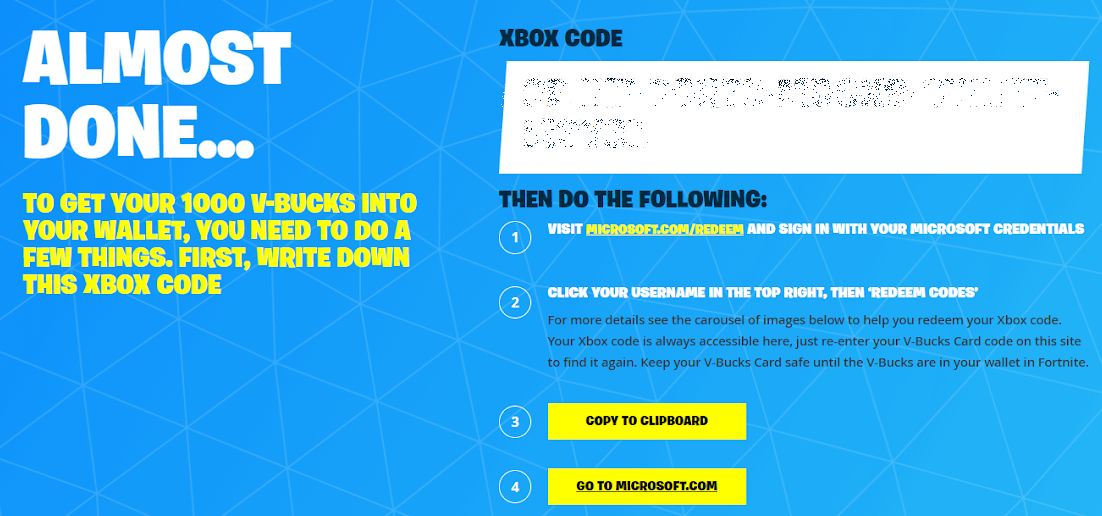
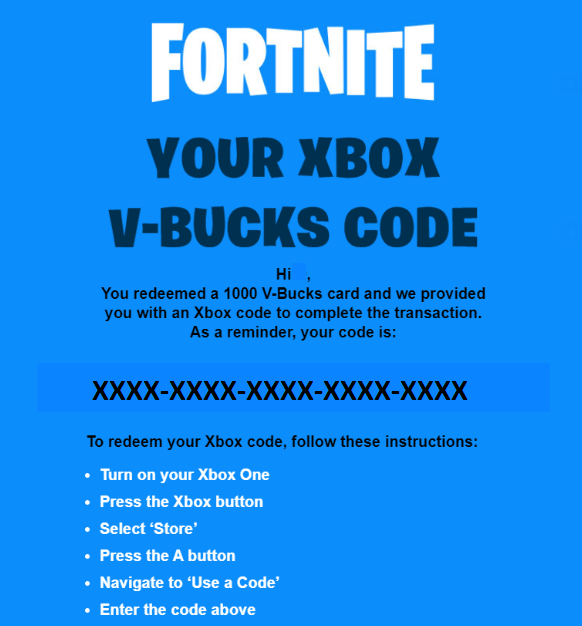
The V-Bucks redemption page will prompt you to sign in to your third-party account.
Note: Make sure you log in to the account linked to your Epic Games profile. If you have multiple Sony or Microsoft accounts, using an incognito window can help avoid confusion.
You can check the relevant guide for help redeeming your code on PlayStation.
You can also refer to the guide for instructions on redeeming your code on Xbox.Type in the 12- or 25-character code, and the V-Bucks will be credited to your account.
Confirm redemption
👉 Browse PlayStation gift cards on Nexuscod and start redeeming your V-Bucks without any delays.
⚠️ Common Errors and Fixes
Invalid Code
Make sure you enter the code correctly without mistakes.
Region Issues
Ensure your account region matches the gift card region.
Already Used Code
Check your balance or contact support.
🚨 To avoid invalid or already-used codes, always buy from trusted platforms like Nexus.
💡 Tips for Using V-Bucks
Buy during special events for better deals
Save V-Bucks for Battle Pass rewards
Always purchase from trusted stores
🛒 Where to Buy V-Bucks Safely
Looking for a fast and secure way to get V-Bucks?
👉 At Nexus, you can:
Buy Fortnite V-Bucks gift cards instantly
Enjoy secure payment methods
Receive your code immediately after purchase
Start now and level up your experience in Fortnite.
❓ FAQ
Can I redeem V-Bucks on any platform?
Yes, as long as your account is linked.
Do V-Bucks expire?
No, they stay in your account.
Can I transfer V-Bucks?
No, they are non-transferable.
Redeeming V-Bucks is simple when you follow the correct steps. This guide helps you avoid errors and enjoy your purchases instantly in Fortnite.
👉 Don’t wait! Get your V-Bucks now from Nexuscod and redeem them in seconds.